Features
Every kernel, cropped and classed
Each kernel on the tray gets its own crop with its length and class. Filter by class to see exactly which grains made a lot fail.
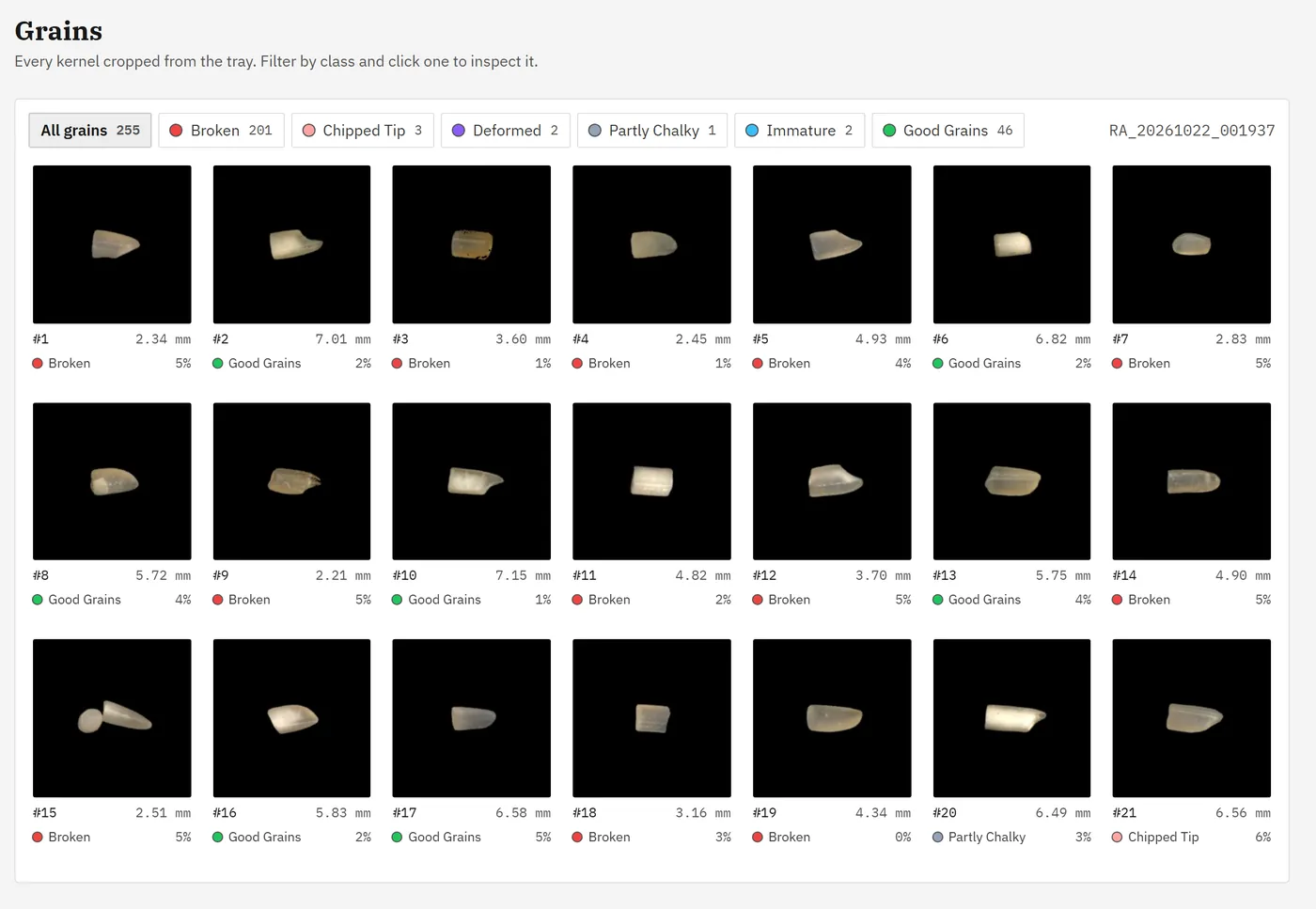
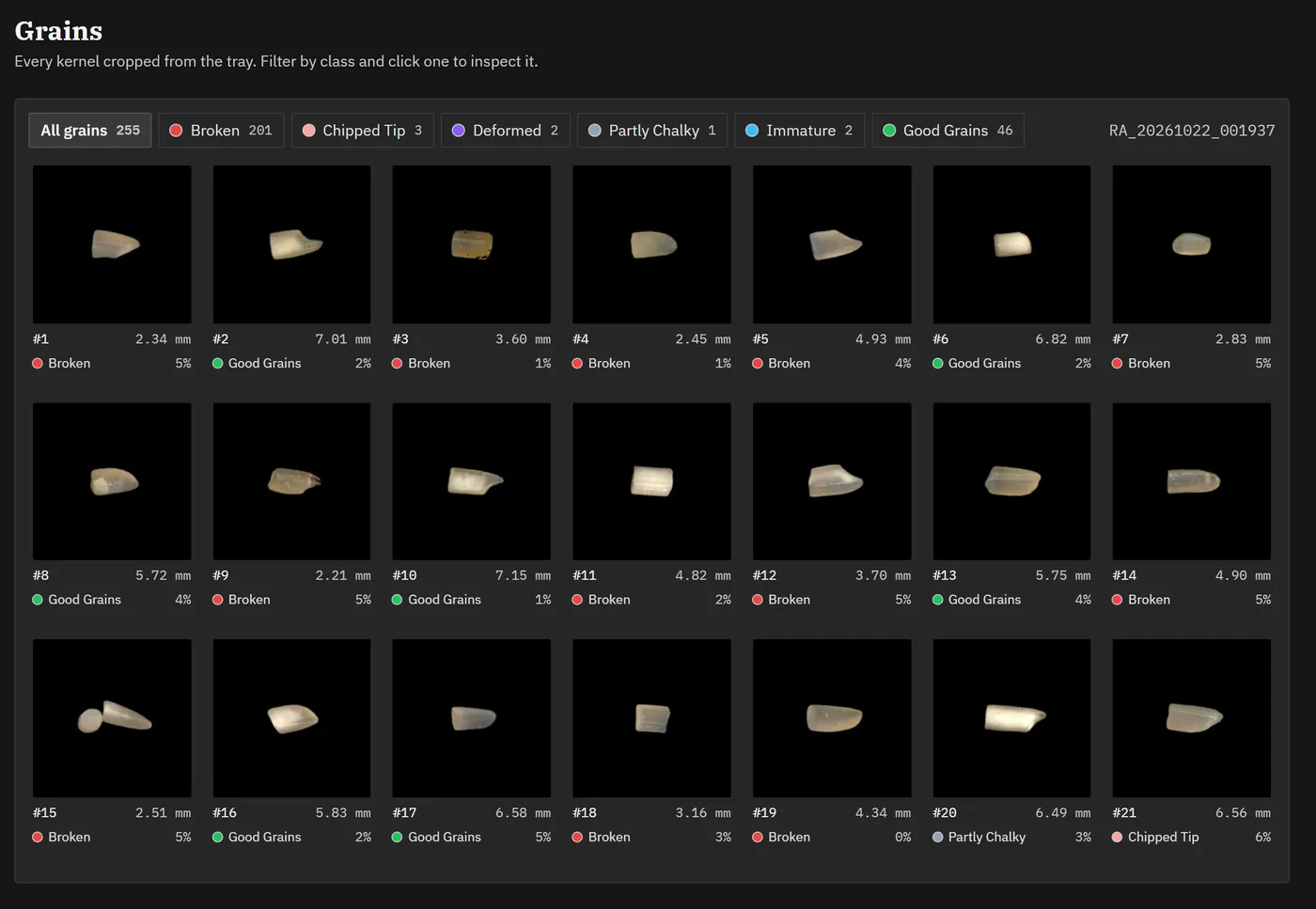
- One crop per kernel
- Numbered, measured and classed, in the order they sit on the tray.
- Filter by class
- Show only broken or only chalky grains in one click.
- Inspect any grain
- Open a kernel to see its size and colour readings.